
ShadowFellowship: a free companion app and web tools for Fellowship
Route Planner
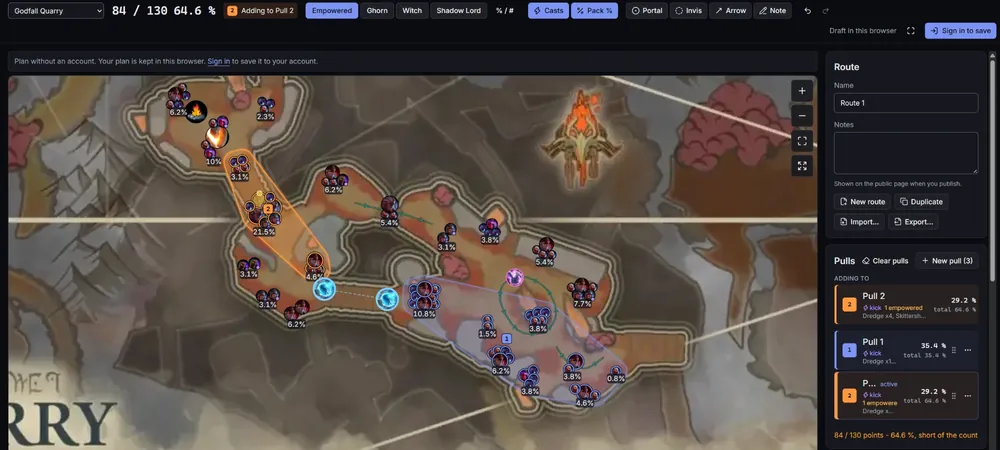
App + webPlan pulls on the real map, upvote what works.Plan pulls on each dungeon's real map, publish your route, upvote the ones that work.Buff tracker
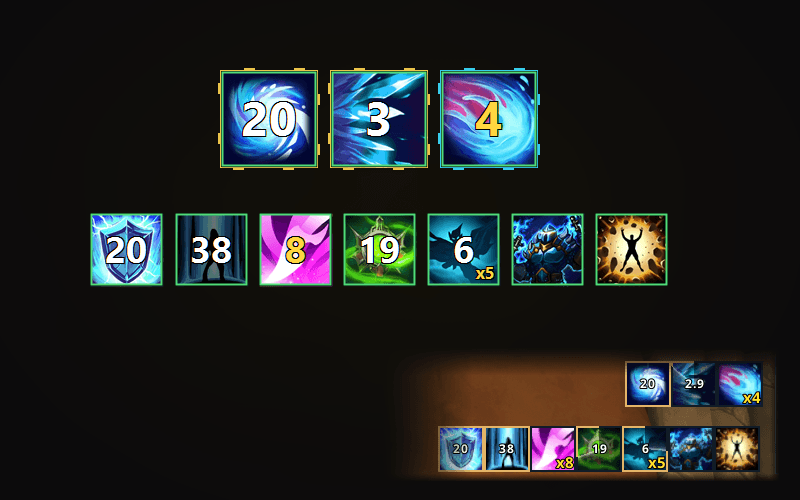
App onlyBuff timers and stacks, drawn bigger.Your buff timers and stacks, read from the screen and drawn bigger. No addon.Party relics
App onlyEvery party relic's cooldown, and spirit.Every relic in your party with its cooldown, and each member's spirit, from the combat log.Gear Checker
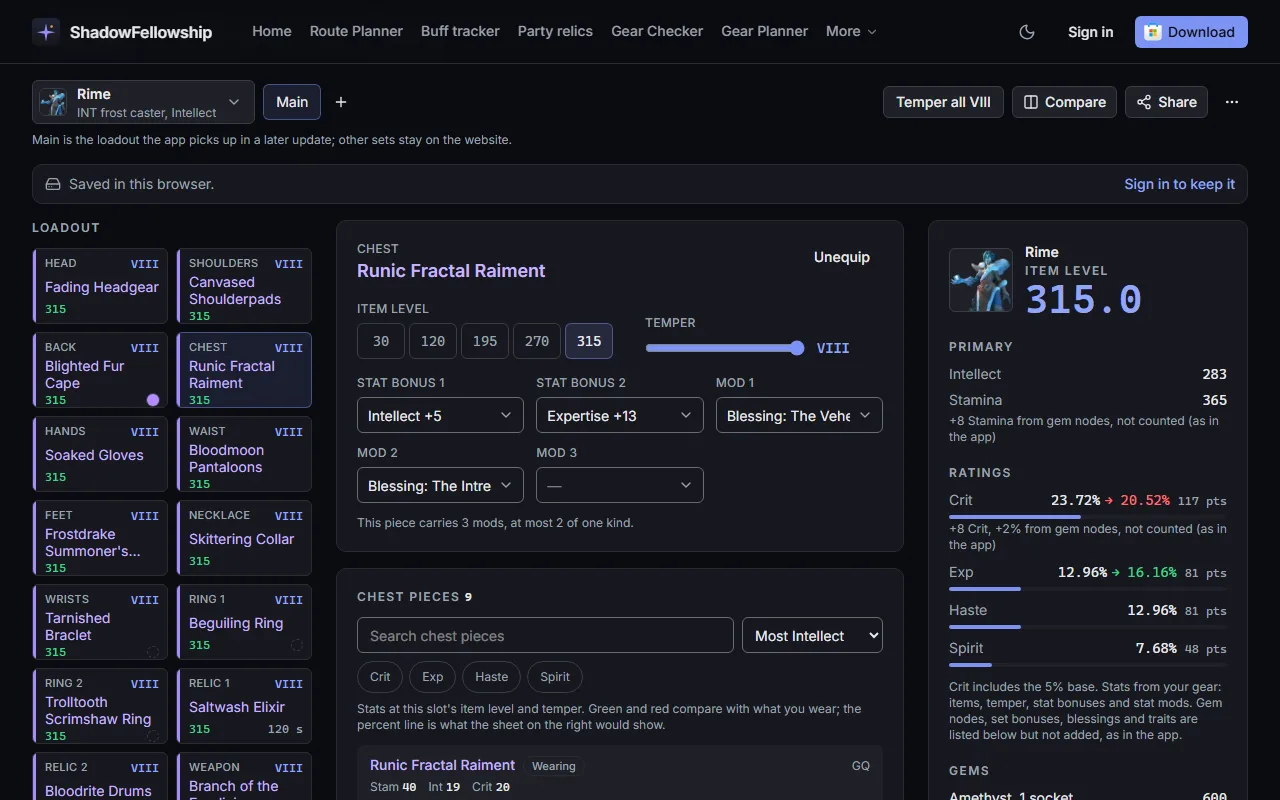
App + webItem level and stats. Share your build.Item level and stats for every piece you wear. Share your build with a link.



- Free
- No account for the web tools
- Discord sign-in only to save and share
- Never touches the game
Why players use it
Routes published by players, ranked by upvotes
Every dungeon has its own list of community routes. Open one on the real map, upvote the ones that work for your group, or publish your own.
Browse the routesA live second screen
During a run the app follows your route from the combat log: dead pulls fade and the current pull is marked. Present (F11) fills a second monitor with the map.
About the Route PlannerReads the screen, never touches the game
The app reads the combat-log file and the pixels of the buff rows you mark, and draws in its own click-through window. Nothing is injected and no keys are sent.
What it reads
Questions
- Is it free?
- Yes. The Windows app is free on the Microsoft Store, and the Route Planner, the community routes and the Gear Checker are free on this website.
- Do I need an account?
- No. The web tools work without one, and so does every feature of the app. Sign in with Discord only to save routes to your account, publish them or vote.
- Is the app safe for the game?
- It reads the combat log and the screen. It never touches the game. It does not modify or read the game process and automates nothing. We cannot speak for the game's developers.
- What does the app need?
- Windows 10 (version 2004) or Windows 11, 64-bit, with Fellowship on the same PC. Switch combat logging on in the game for party relics and spirit.
- Does it work on a phone or a Mac?
- The web tools do: the Route Planner, the community routes and the Gear Checker run in any current browser. The app itself is for Windows, where the game runs.