Buff tracker
App onlyYour buff timers and stacks, read off the game's own buff bars and drawn the way you want them.
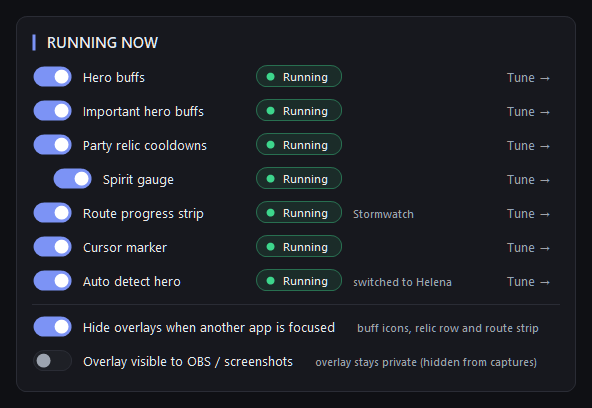
ShadowFellowship watches the two buff rows the game draws, your hero buffs and the important ones. It recognises each icon you track, reads its countdown and stack count from the screen, and draws your own indicator for it: a bigger number, a glow when it matters, an alert before it runs out.
- Screen reading
What it does
- Read from the screen only: each buff's icon, countdown and stack count come from the pixels the game draws.
- Two bars, Hero buffs and Important hero buffs, each switched on and placed from Home.
- Add a buff in two clicks from a catalog of 2,419 auras; its icon is fetched for you.
- Per buff: size, opacity, the big number (countdown or stack count), glow, dim until, expiring and missing alerts.
- Select several buffs and change one setting: only that setting changes on all of them, the rest stay as they were.
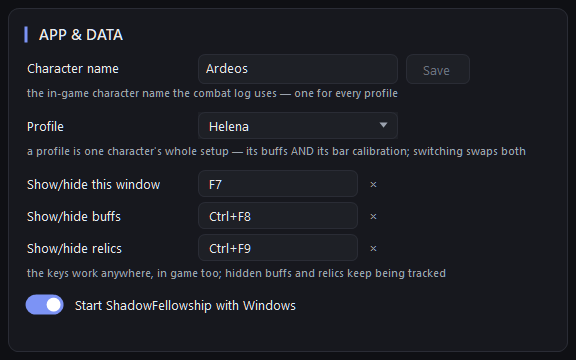
- One setup per character: the buff list and the bar placement swap together.
How it works
Placing the bars
Press Position buffs at the top of the window (or Ctrl+P) and drop each box over its buff row. The square at the right end of each box shows the icon size the app reads: set the game's buff icon size so its icons match it. ShadowFellowship reads one size, 47 px icon frames.
What shows, and when
A buff shows once its bar is switched on and placed for your screen, and it has an icon. If something is missing, Home says which: Off, or Needs setup with the reason.
The combat log is not used for buffs
Buffs come from the screen only. The combat log feeds party relics, the spirit gauge, dungeon events and hero detection.
Why it is in the app only
It reads the buff bars on your screen, which a website cannot do.


Hero auto-detect
Change hero in the game and the app moves to that hero's setup by itself.App onlyProfiles, keys and privacy
One setup per character, keys that work in game, and an overlay that stays out of your stream.App onlyParty relics and spirit
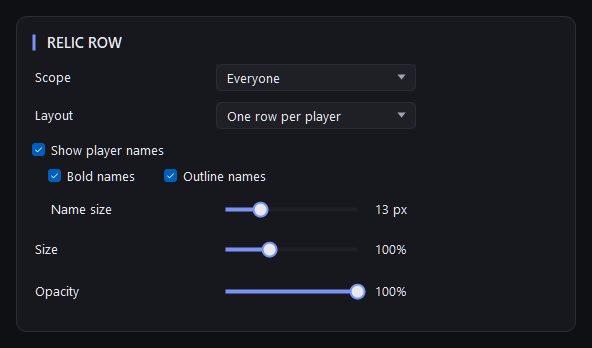
Every party member's relics and their cooldowns in one row, plus each member's spirit, from the combat log.App only