Party relics and spirit
App onlyEvery party member's relics and their cooldowns in one row, plus each member's spirit, from the combat log.
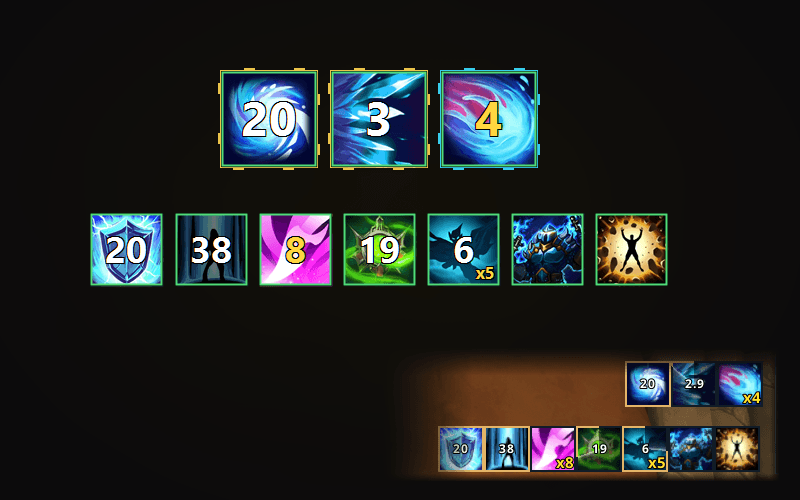
The relic row shows each party member's two relics in the game's party-frame order. A relic on cooldown darkens and counts down; a ready one is at full brightness. Each member's spirit gauge shows their spirit as the combat log reports it.
Needs
- Combat log
What it does
- One row of party members, in the game's party-frame order: tank, damage, damage, healer.
- A relic on cooldown darkens and shows a big countdown; a ready relic is full brightness.
- Relics that share a party pool show how many uses are left.
- Cooldowns use the game's own table and the party's Diamond reduction: 8% shorter when any member has 450 or more, 24% shorter at 1,500 or more.
- A new dungeon starts every timer fresh.
- Spirit gauge: each member's current and maximum spirit, from the log's own snapshots. The game logs no spirit for Gunde, so that hero's gauge shows a placeholder.
- Row or column layout, placed anywhere on screen in edit mode.
How it works
Switch combat logging on
Relics, spirit and hero detection come from the combat log. Switch combat logging on in the game; the app finds the log folder by itself.
Starting mid-dungeon
Open the app during a run and it reads back through the log to the start of the run, so the party and their relics are there at once.
Why it is in the app only
It reads the combat log file the game writes on your PC.


Buff tracker
Your buff timers and stacks, read off the game's own buff bars and drawn the way you want them.App onlyRoute Planner
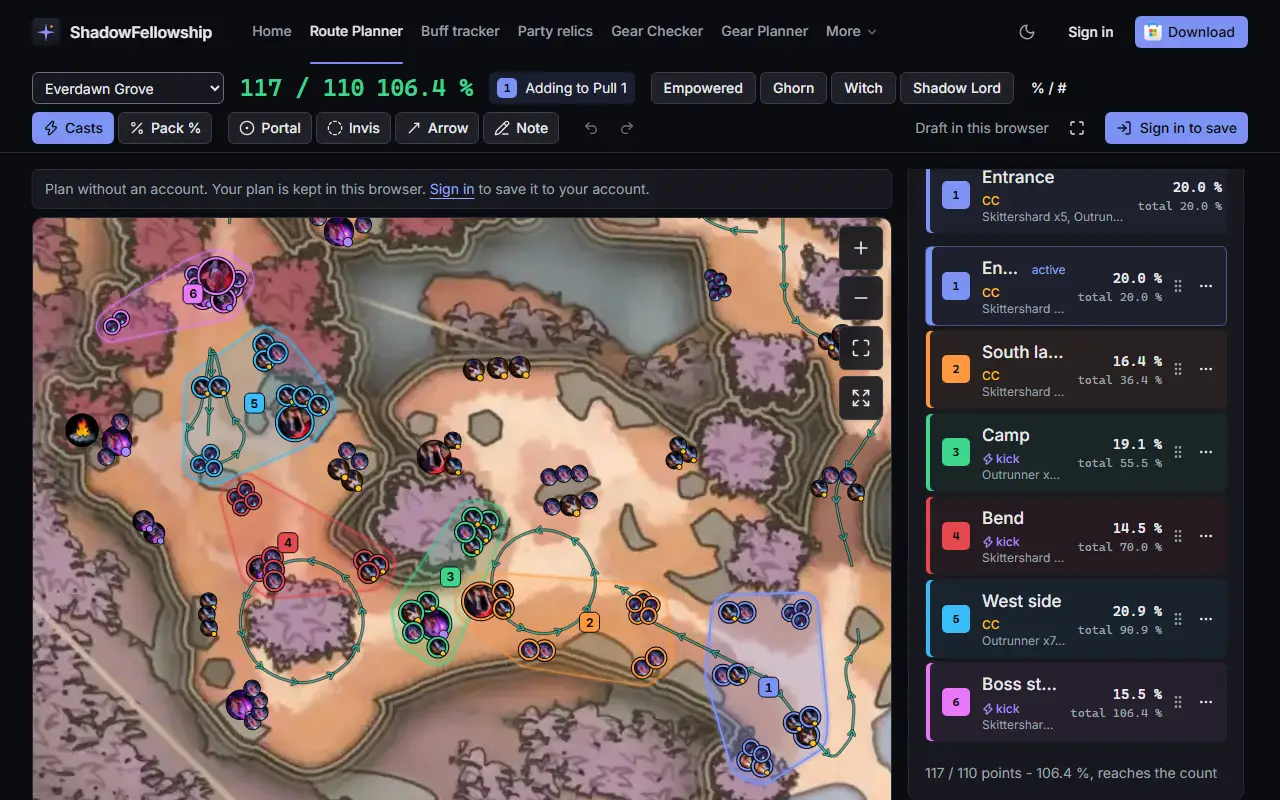
Plan dungeon pulls on the real map, on the web or in the app, then follow the plan live in game.App + webBetaCursor marker
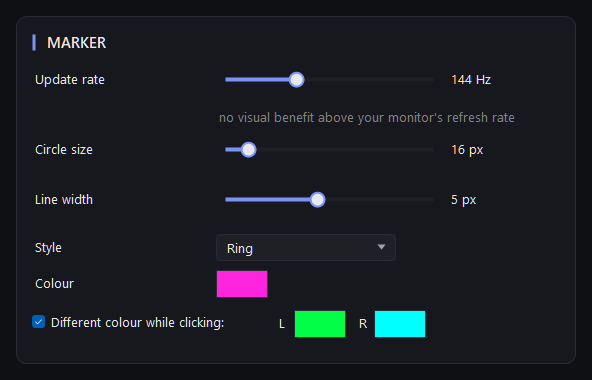
A ring or dot that keeps your cursor easy to find in a busy fight.App only